How to send a video message that plays on a future date
Updated
Record it now, pick the day and the hour, and LightVow delivers it then. On that morning the person gets a private link by email, or by text if they add their number, and the video plays in their browser. They don't need the app or an account. Your first message is free, and free ones can open up to 2 years ahead. Going further, up to 20 years, needs a paid plan.
A video carries what a letter can't: your voice, your face, the room you were in that day. Talk to them the way you would if they were sitting across from you, and if you want, put a few written lines on a card next to it.
| What you can send | video, voice note, photo, a written letter on a card |
|---|---|
| When it opens | the day and hour you choose, from tomorrow to 20 years |
| How they get it | email, or text if they add their number |
| What they need | a browser. No app, no account |
Checked on . LightVow facts are read from its code (lightvow.com/facts.json)
Seal it for the day it should play

Or write it on the web
First letter free. You only sign up when you seal it.
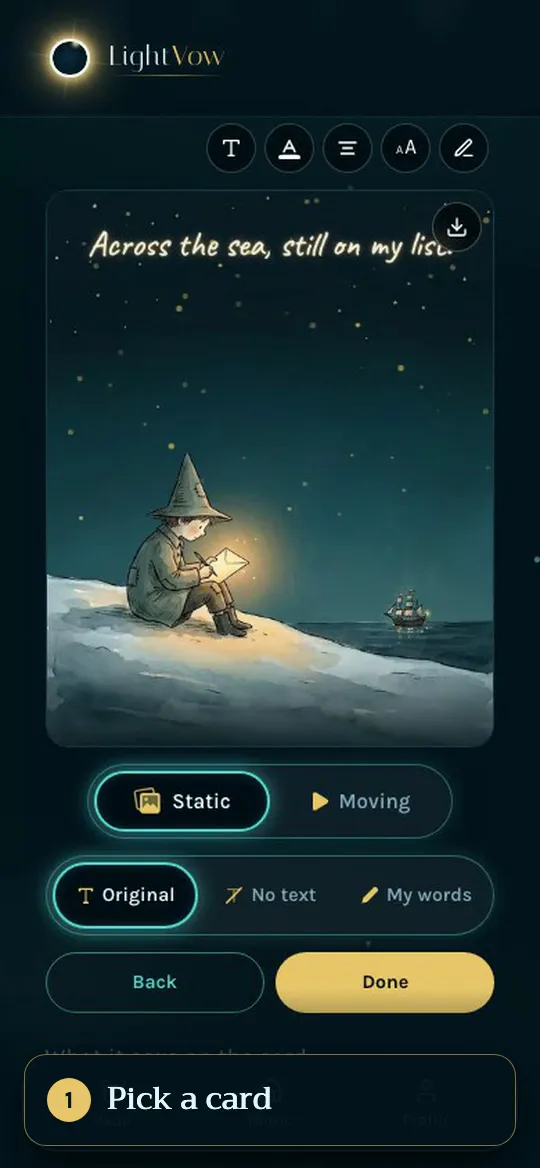
What it looks like
Real screens from LightVow, on a phone.
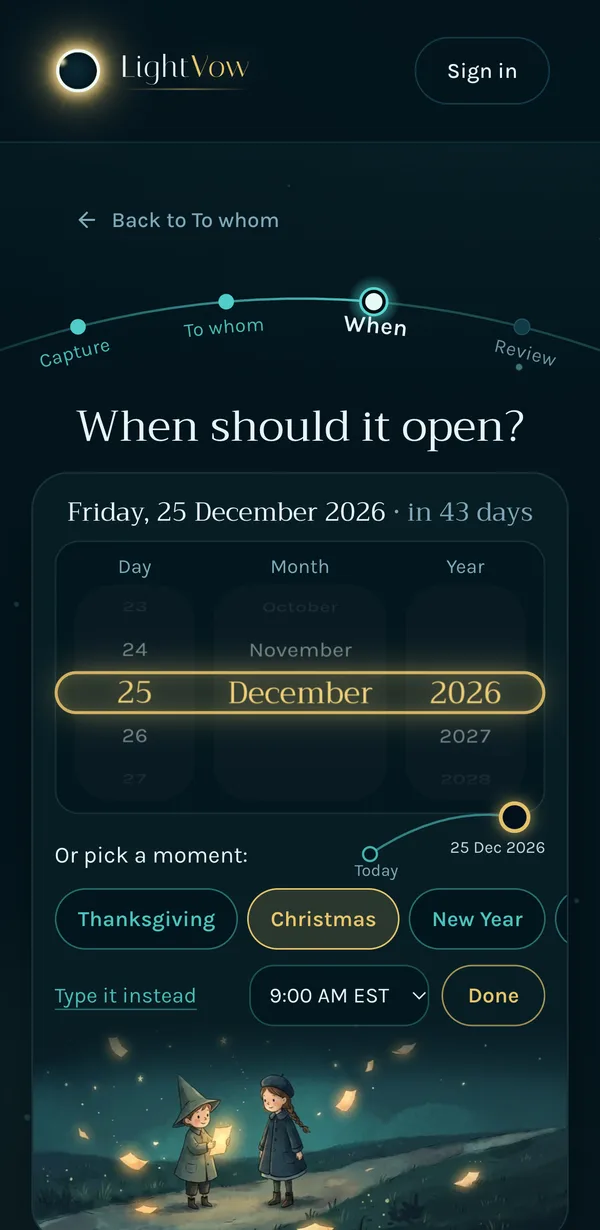
1.You pick the day and the hour 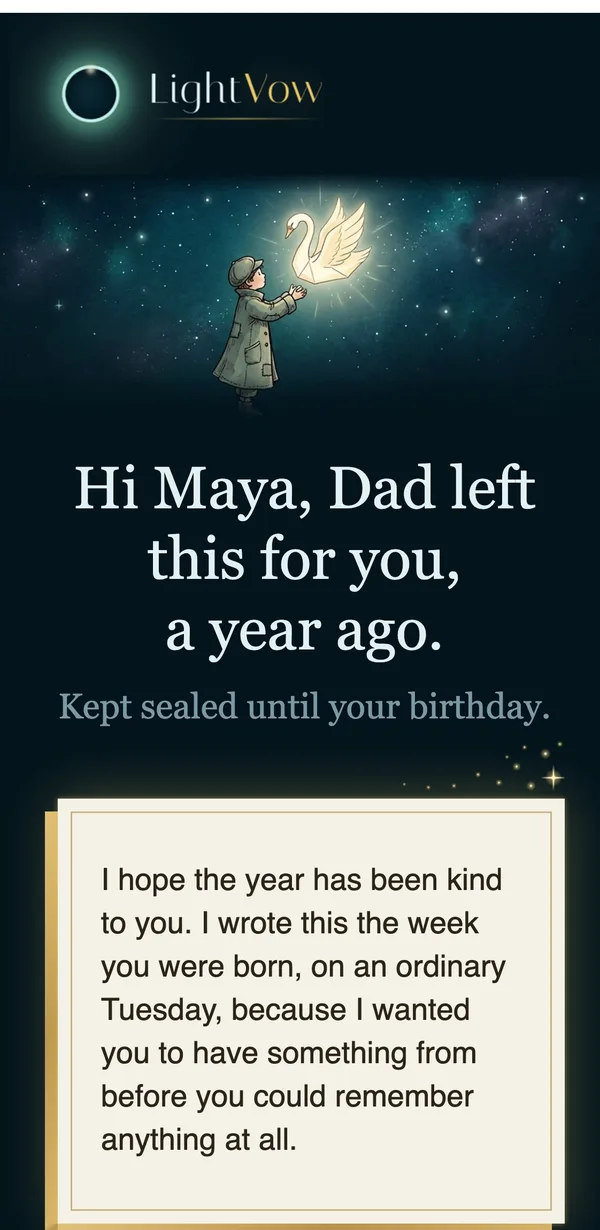
2.On that morning, an email arrives 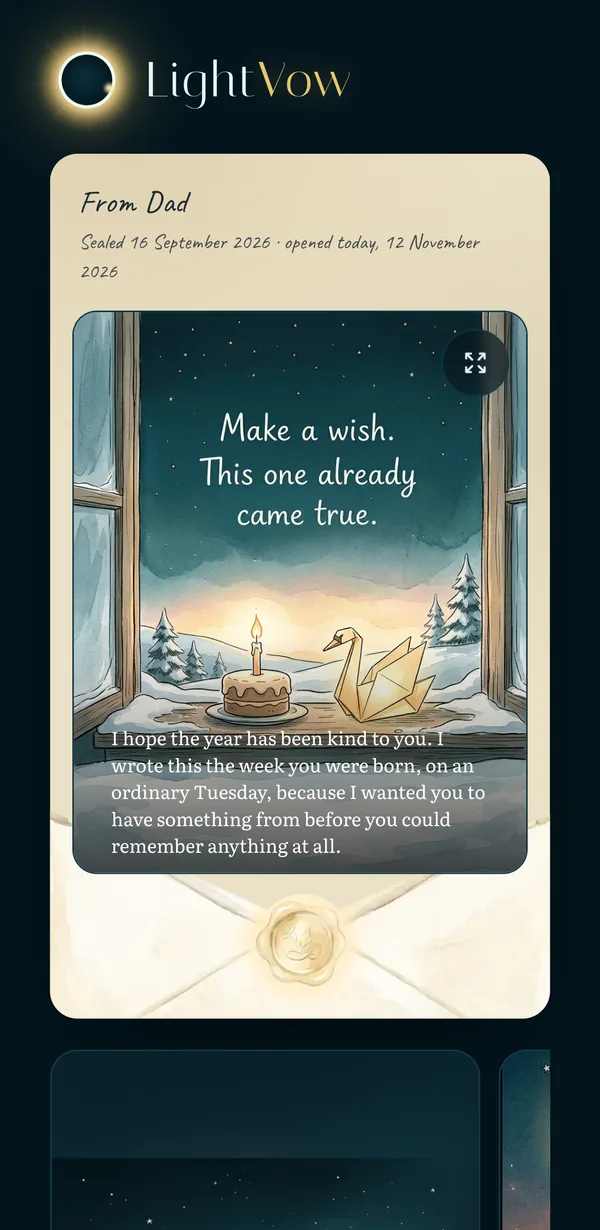
3.It opens in the browser, no app
Four steps
Add the video
On the first step, tap Video and pick one from your phone or computer. You can add a photo or a voice note too, and write a few lines on the card.
Choose who it's for
Yourself, or someone else. If you don't have their address, LightVow can ask them where to send it without saying what's inside.
Pick the day and the hour
Any day from tomorrow on, at a whole hour, in your own time zone. Free messages can open up to 2 years ahead.
Seal it
You sign up at this step, not before. Once it's sealed it can't be changed or opened early.
What to say in a video that waits
Start with the date and where you are, out loud. It sounds obvious now and it's the part they'll love most later. Then say the thing you'd say if you knew they'd watch it on exactly that day. Their birthday, maybe, or the morning they leave for college, or a year from tonight.
Keep it short enough to rewatch. One take with a stumble in it feels more like you than a polished third try.
Video, a letter, or both
On LightVow the video sits inside a letter on an illustrated card, so you can write the first lines and let the video say the rest. If what you want is a capsule that's only video, Lumideo is built around that.
Making it yours
- Film near a window in daylight. Your phone's front camera is plenty.
- Say today's date at the start. It anchors everything after it.
- Send a short one first, a month out, to see exactly what they'll get.
Questions people ask
- How do I send a video message that plays on a future date?
- Record it now, pick the day and the hour, and LightVow delivers it then. On that morning the person gets a private link by email, or by text if they add their number, and the video plays in their browser. They don't need the app or an account. Your first message is free, and free ones can open up to 2 years ahead. Going further, up to 20 years, needs a paid plan.
- Can I send a video to myself in the future?
- Yes. Pick yourself as the person it's for, choose the day and the hour, and on that morning a private link arrives by email. The video plays in your browser.
- What if they change their email?
- If you're not sure which address they'll use, LightVow can send them a link that asks where they'd like it delivered, without saying what's inside. If a delivery fails it's retried, and if it still can't get through, a person gets alerted.
- Is Lumideo better for video?
- Yes, if you want a capsule that's all video. That's what it's built for. LightVow fits better when the video goes with a letter on a card, for someone who shouldn't need an app to open it. We compare them on our FutureMe alternatives page.
Write it today. It opens on the day you pick.
Your first letter is free, and you only sign up when you seal it. The person you write to needs no app and no account.