How to send an email to your future self
For a few months ahead, write it in Gmail and use schedule send; it's free and Google allows up to 100 scheduled emails. For years ahead, a letter service holds it for you instead of your own account. On LightVow the first letter is free, and free letters can open up to two years out.
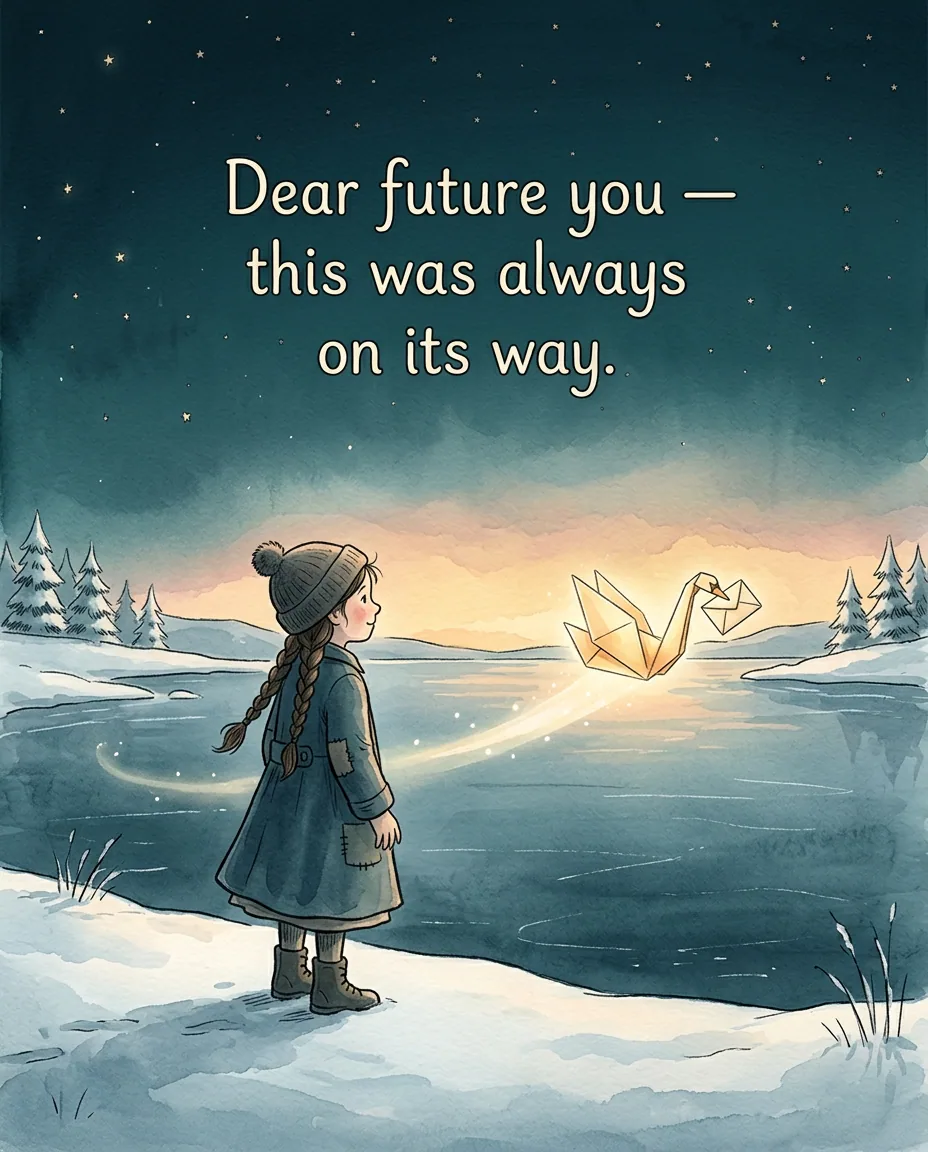
First letter free. You only sign up when you seal it.
For a year or less, your own inbox is fine. Past a few years, the bigger risk isn't the writing, it's whether the address and the account you're sending from still exist on the day.
6 lines to start with
Tap one and it opens on the card as your first line.
- Dear me, it's a Tuesday night and I'm writing this instead of doing the dishes.
- If you're reading this, you made it through the move. Was it worth it?
- Quick check-in from a year ago: are you still drinking too much coffee?
- The thing I'm most worried about right now is the job. Did it work out?
- I hope you kept the habit of calling Grandma on Sundays.
- Tell me one thing you're proud of. I'll wait.
The steps
Decide how far ahead
A year is the easy sweet spot. Five or ten years is where a letter service earns its place over your own inbox.
Pick the address it goes to
Use a personal address you expect to keep, not a work or school one.
Write it
Start with today's date and where you are, then what's on your mind, then a question you can't answer yet.
Schedule it
In Gmail, use the arrow next to Send and choose a date and time. On LightVow, pick the day and hour on the card and seal it.
Leave it alone
On LightVow, a sealed letter can't be edited, and the app won't show it to you before the day.
What changes over five years or more
Inboxes close. People leave jobs and schools, switch providers, or just stop logging in. Google treats a personal account as inactive after two years without use, and an inactive account can be deleted along with what's scheduled in it.
Addresses change, and so do phones. A letter service that sends to an address on the day, with a text as a second route, is more forgiving than an email that only exists in one account. On LightVow, letters further than two years out need a paid plan.
Sources
Checked
Seal it for the day future you reads it
Write it on the card, pick the date and hour, and LightVow delivers it then, by email or text.
Write a letter to future youMaking it yours
- Send it to an address you'll still use. A work or school email is the one most likely to be gone.
- Put the date and where you are in the first line. It's the part you'll want most.
- Keep a copy. A scheduled email lives in one account; if that account goes, so does the email.
Questions people ask
How do I send an email to my future self for free?
For a few months ahead, write it in Gmail and use schedule send; it's free and Google allows up to 100 scheduled emails. For years ahead, a letter service holds it for you instead of your own account. On LightVow the first letter is free, and free letters can open up to two years out.
Can Gmail schedule an email years ahead?
Google's help page doesn't state a limit on how far ahead. It does say you can have up to 100 scheduled emails, and that they may go out a few minutes after the set time.
What happens to a scheduled email if I stop using that account?
It depends on the account still existing. Google's policy treats a personal account as inactive after two years without use, and inactive accounts can be deleted.
What's the difference between scheduling an email and a letter service?
A scheduled email waits inside your own account. A letter service like LightVow holds the letter on its side and sends it on the day, to whichever address you gave, so it doesn't depend on you keeping one inbox.
Can I add a photo or a voice message?
In an email, as an attachment. On LightVow, photos, voice notes and video go inside the letter, on every plan.