Should you make an email address for your baby?
Yes, if someone will actually use it. The idea: open an address for your baby, send it letters, photos and small updates as they grow, and hand it over when they're old enough. Two things to know first. In the US, Google requires an account for a child under 13 to be created and supervised by a parent with Family Link, and Google may delete a personal account that hasn't been used for two years. So someone has to keep it alive.
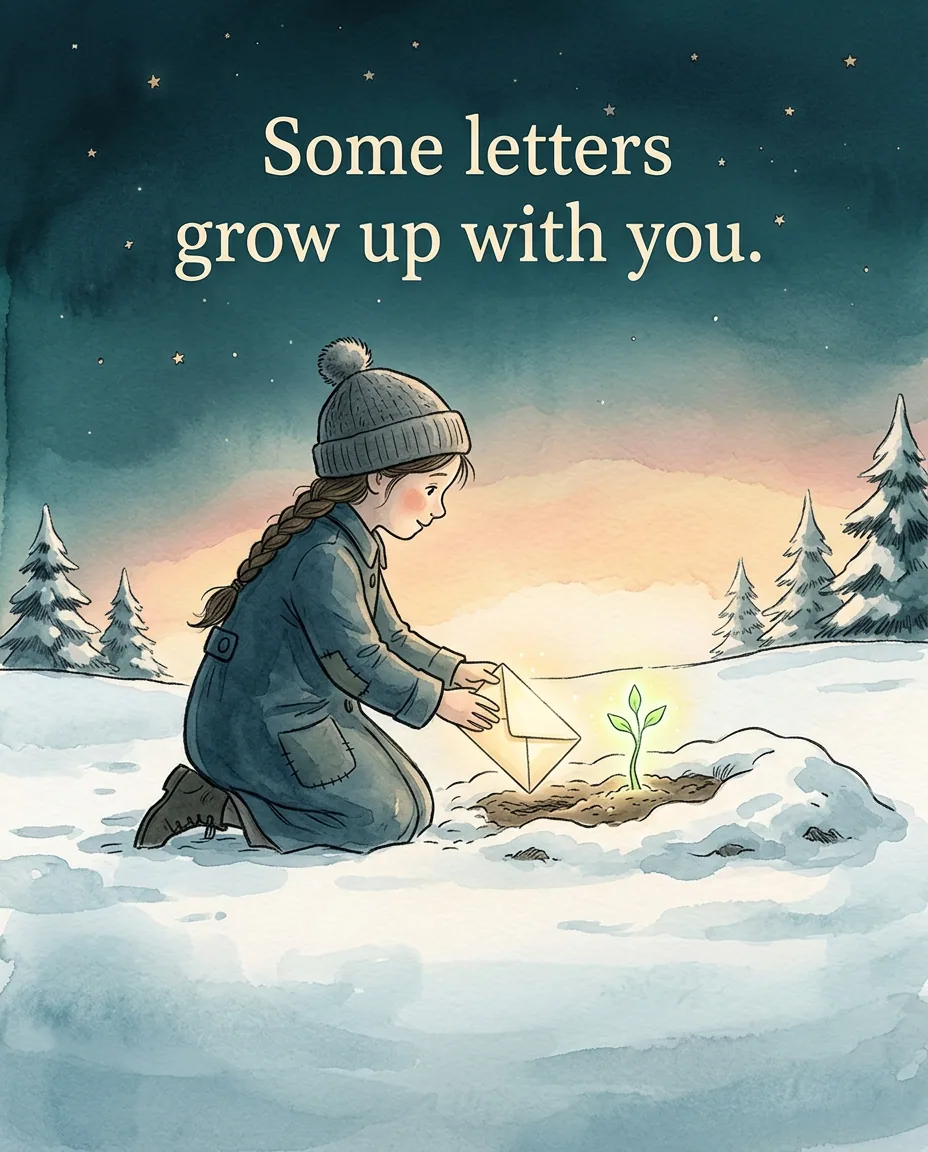
First letter free. You only sign up when you seal it.
The email is a good shoebox. What it can't do is hold a letter back until a date: everything sent to it arrives, and can be read, right away. For the big letters, the ones meant for their 18th, a letter scheduled for that day is the sturdier option.
8 lines to start with
Tap one and it opens on the card as your first line.
- Hi. You're two days old and this is the first email you'll ever get.
- Today you held my finger for the whole drive home from the hospital.
- Photo of the month: you, asleep in the laundry basket. It was clean laundry. Mostly.
- Grandma asked me to pass this on: she says you have her ears.
- You laughed for the first time today, at the dog sneezing.
- Happy first birthday. You ate the cake with both hands and most of your face.
- Your first word was "ball". Everybody else in this family is very offended.
- This one isn't for now. It's for your 18th, so it's coming the long way.
How to set it up, within Google's rules
1. Pick the address: their first and last name, plus a number if it's taken. Skip nicknames they might hate at 15.
2. In the US, 13 is Google's minimum age to manage your own Google Account. For a younger child, a parent creates the account and supervises it with Family Link, and a Gmail address can be added to it. Don't open an adult account for a baby with a made-up birth date: that goes against Google's age requirements.
3. Write down the password somewhere safe, with the date you made it.
4. Sign in now and then. Google's Inactive Account Policy says a personal account that hasn't been used for two years may be deleted, along with what's in it. Signing in and reading or sending email counts as use.
5. Send the first email today, while you still remember what the hospital smelled like.
What to send it
A photo every month, with one line about what happened that month. A letter on each birthday. Screenshots of funny texts from grandparents. The first drawing they made, scanned. Recordings: their laugh, their first words, them singing badly.
The one problem with the email idea
Everything sent to the address arrives right away. That's fine for a running diary. It's less fine for the big letters, the ones meant for 18 and not for 13 when they guess the password. And it depends on someone keeping the account alive for eighteen years.
A scheduled letter fills that gap. On LightVow you write the letter now, add a photo, a voice note or a video, and pick the day it opens, such as their 18th birthday at 9 in the morning. It stays sealed until then and can't be edited or opened early. On the day it's delivered to the address you made for them, or any address you choose, and it opens in the browser.
Use both. The email is the shoebox. The scheduled letter is the one that knows what day it is.
The first letter is free. Free letters can open up to two years out, so a letter for their first or second birthday costs nothing. Longer ones need a paid plan.
Sources
- Google Account Help: Age requirements on Google Accounts
- Google For Families Help: Create a Google Account for your child
- Google Account Help: Inactive Google Account Policy
Checked
Seal the big one for their 18th
Write it on the card, pick the date, and LightVow delivers it then, by email or text.
Write the first letterMaking it yours
- Write the password down with the date you made the account, somewhere safe like a password manager or the baby book.
- Sign in a few times a year, for example on their birthday, so the account counts as in use.
- Keep the big letters for a scheduled date, so they aren't sitting in an inbox someone can open early.
Questions people ask
Should I make an email address for my baby?
Yes, if someone will actually use it. The idea: open an address for your baby, send it letters, photos and small updates as they grow, and hand it over when they're old enough. Two things to know first. In the US, Google requires an account for a child under 13 to be created and supervised by a parent with Family Link, and Google may delete a personal account that hasn't been used for two years. So someone has to keep it alive.
Can I create a Gmail account for my baby?
In the US, Google sets 13 as the minimum age to manage your own Google Account. For a younger child, a parent can create an account with Family Link and supervise it, and a Gmail address can be added to it. When the child reaches the minimum age, they can manage the account themselves.
What happens if nobody uses the account for years?
Under Google's Inactive Account Policy, a personal Google Account that hasn't been used for two years may be deleted, along with its content. Signing in and using it, for example reading or sending an email, keeps it active.
What should I send to my baby's email?
Monthly photos with a line each, a birthday letter every year, recordings, drawings and messages from family.
How do I make a letter open on their 18th birthday instead of right away?
Use a service that holds a letter until a date. On LightVow you pick the day and hour, seal it, and it's delivered then.