Open when letters, sent digitally
There are two ways to do it. On LightVow each letter arrives on a day you pick, like their birthday, your anniversary or the day after they move. If you want them to choose the moment instead, put the letters in a shared folder or document they can open whenever they need one.
First letter free. You only sign up when you seal it.
Paper open when letters let the reader pick the moment. A dated letter can't do that, so it's worth being clear which kind you want before you start writing.
8 lines to start with
Tap one and it opens on the card as your first line.
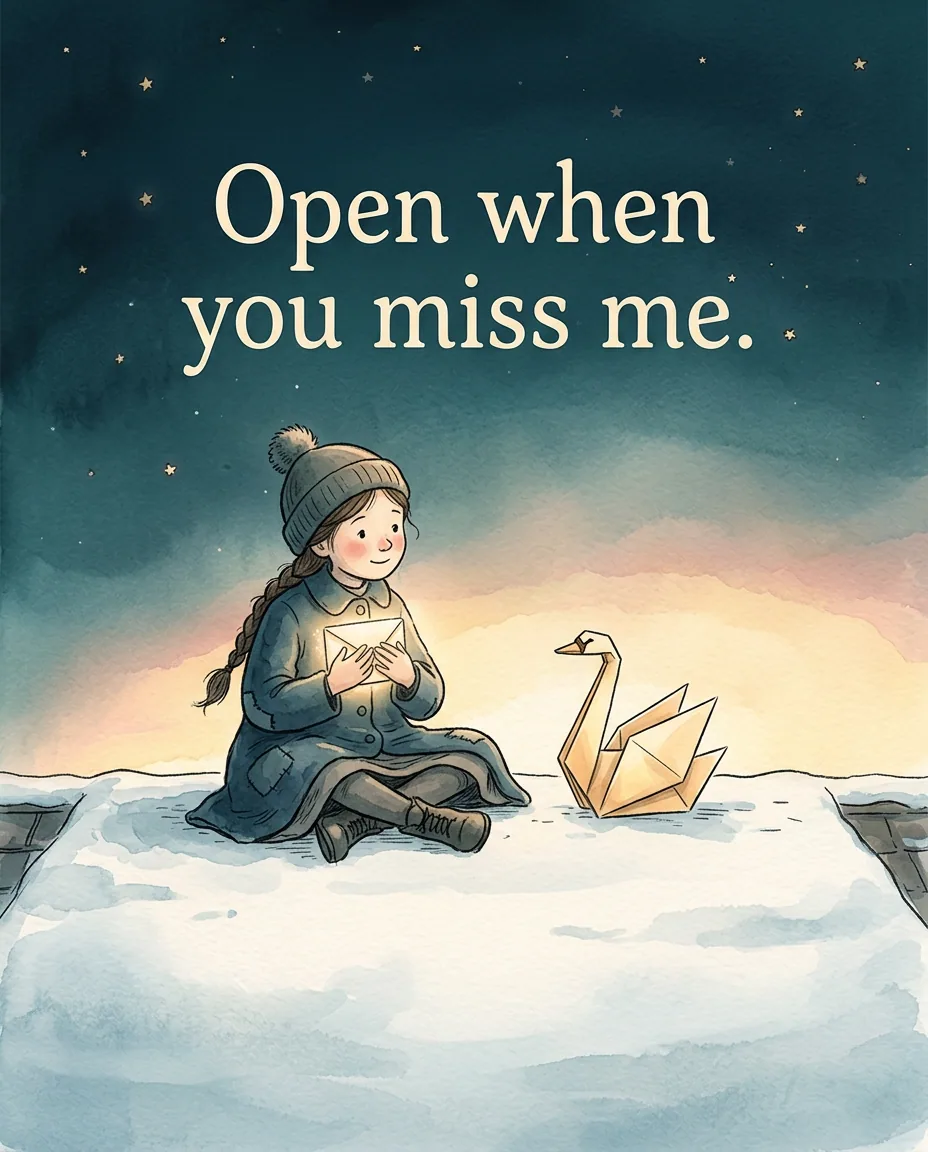
- Open when you miss meI'm probably missing you too, right now.
- Open when it's your birthdayI set this one months ago, which tells you how much I planned.
- Open when it's our anniversaryhere's the night we met, the way I remember it.
- Open when you've just moved inunpack the kettle first. Then read this.
- Open when it's the first day of the new jobyou got it because you're good. Go.
- Open when it's been a year since you leftlook how far you've come.
- Open when the semester's overyou survived finals. I'm proud of you.
- Open when it's the night before the big daysleep. You're ready.
Way 1: each letter lands on its day
On LightVow you write each letter on its own card, add a photo, a voice note or a video if you like, and pick the day and the hour it opens. The hour is in your own time zone.
On that day they get a private link by email, or by text too if you add their number, and it opens in the browser. Before then it can't be opened: the link only works once it's delivered. That's the point. It turns up on the day, without them having to remember a thing.
Way 2: a set they open when they need one
The classic open when letters, open when you're sad, open when you can't sleep, only work if the reader picks the moment. LightVow doesn't do that, and we'd rather say so.
For those, write each letter as its own document in a shared folder, named "Open when...", and share the folder once. Or do it on paper. Then use dated letters for the days you can put on a calendar.

Send it so it opens on the day
Write it on the card, pick the day it should open, and LightVow delivers it then, by email or text.
Write an open when letterMaking it yours
- Dated letters suit days you can put on a calendar: birthdays, anniversaries, moving day, a first day somewhere.
- For moods (sad, can't sleep, need a laugh), they need to choose the moment, so give them those as a set they keep.
- Mixing both works: a few dated letters for the big days, and a folder for everything else.
Questions people ask
Is there an app for open when letters?
There are two ways to do it. On LightVow each letter arrives on a day you pick, like their birthday, your anniversary or the day after they move. If you want them to choose the moment instead, put the letters in a shared folder or document they can open whenever they need one.
Can digital open when letters be opened any time?
On LightVow, no: each letter opens on the date you set, and the link only works once it's delivered. For letters they open whenever they want, a shared folder or document is the simpler tool.
What open when letters work best with a date?
Anything on the calendar: a birthday, an anniversary, a move, the first day of a job or school, the end of a deployment, a holiday.
Does the person need an app to read them?
Not on LightVow. Each letter arrives as a private link by email, or by text if a number is added, and opens in the browser with no account.
Can I add photos or a voice note to an open when letter?
Yes. On LightVow photos, voice notes and video are on every plan, the free one included.