An anniversary letter to open next year: what to write and how to send it
Updated
Write it this anniversary and set it to open on the next one. LightVow holds it sealed, and on that morning your partner gets a private link by email or text that opens in the browser. Neither of you can open it early, which is most of the fun. Your first letter is free.
A year is the right gap. Long enough that you'll both have changed a little, short enough that you'll still remember writing it.
| When it opens | Your next anniversary, at the whole hour you pick, in your own time zone |
|---|---|
| Opening it early | Not possible for either of you. It stays sealed until the day |
| How they get it | A private link by email, or by text if they add their number. Opens in the browser, no app or account |
| Add | A photo, a voice note or a video |
| Cost | First letter free. You only sign up when you seal it |
Checked on . LightVow facts are read from its code (lightvow.com/facts.json)
Seal it for your next anniversary


Or write it on the web
First letter free. You only sign up when you seal it.
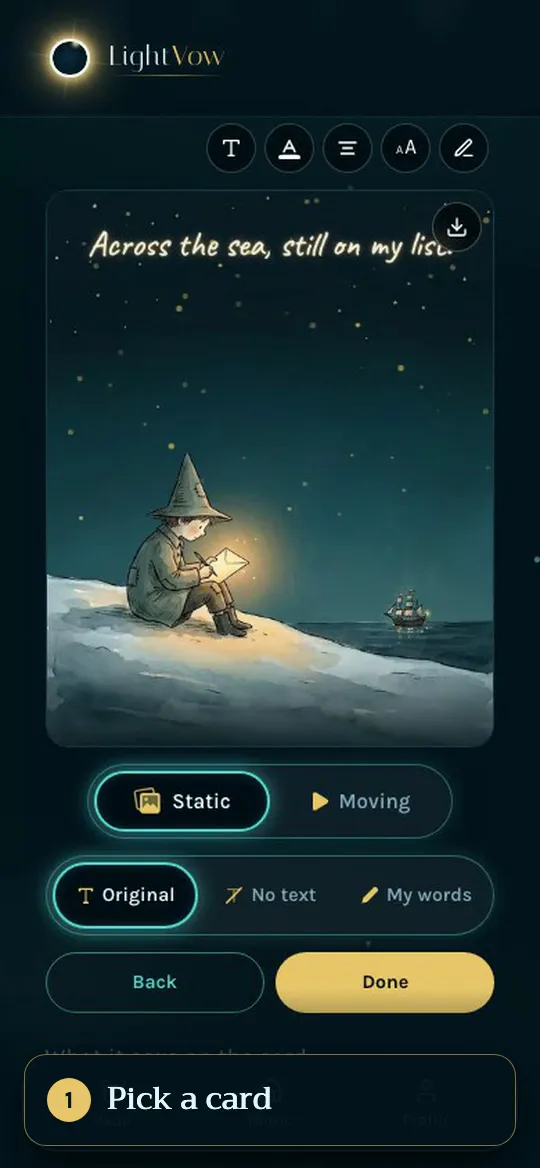
What it looks like
Real screens from LightVow, on a phone.
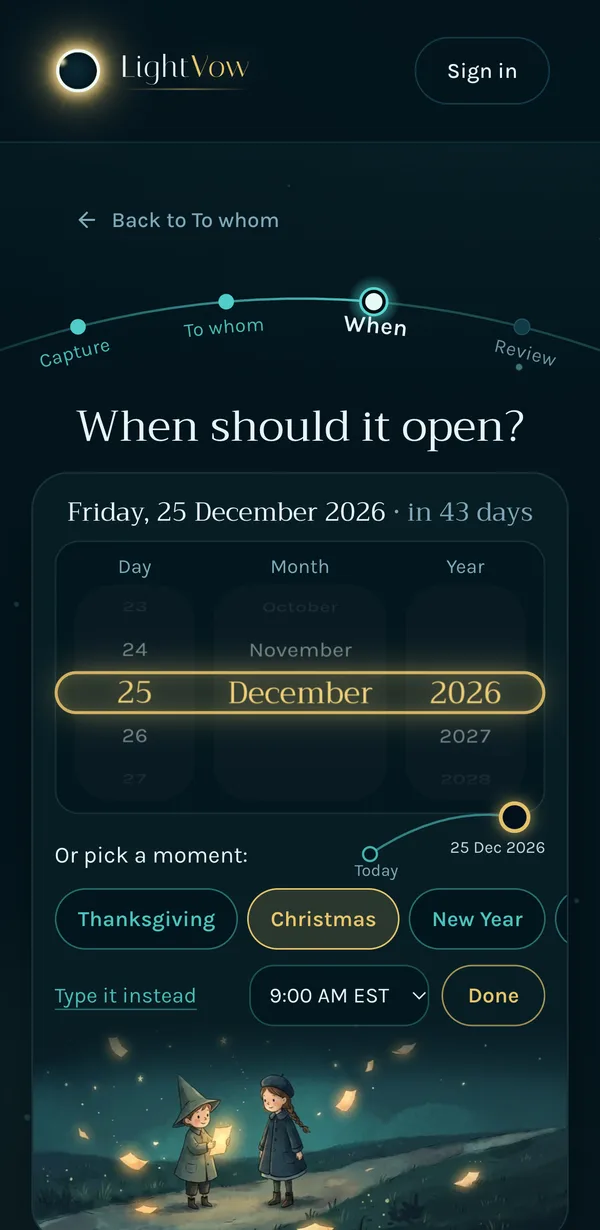
1.You pick the day and the hour 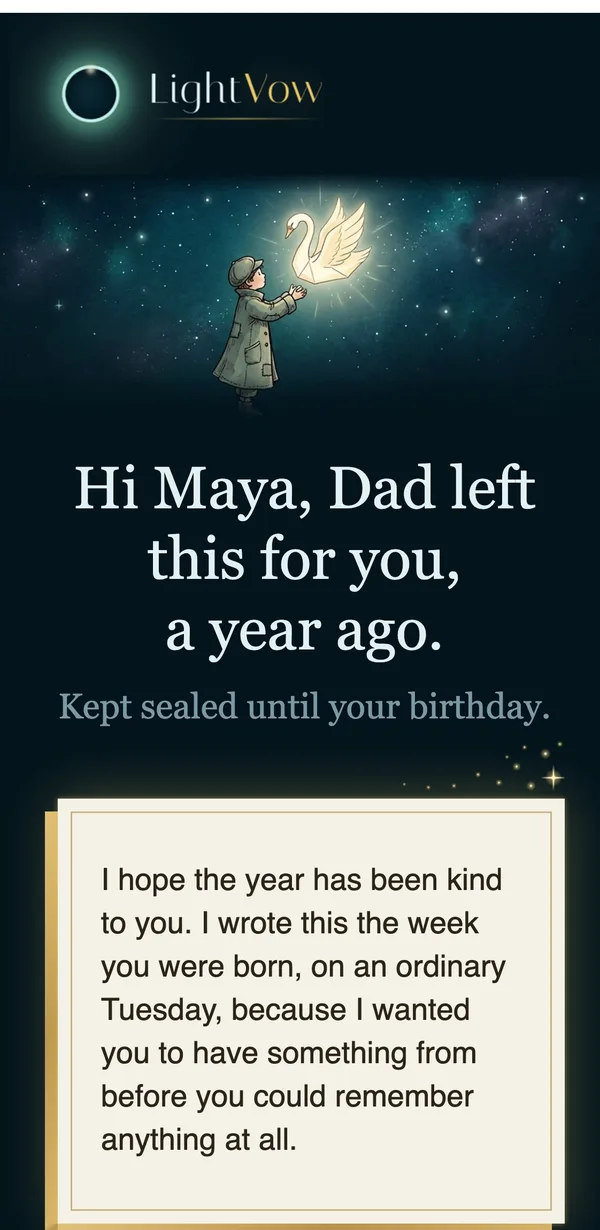
2.On that morning, an email arrives 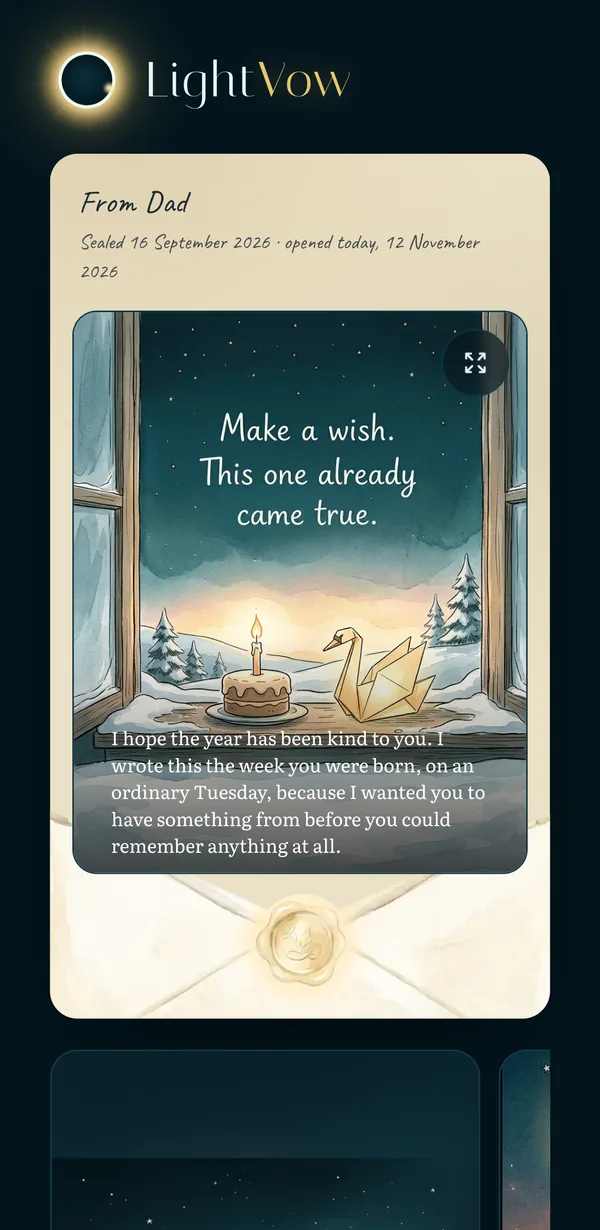
3.It opens in the browser, no app
15 lines to start with
Tap one and it opens on the card as your first line.
- Do we still live in the same place?
- What's the best thing that happened to us this year?
- Did we finally take that trip?
- What are we arguing about now, and is it still the dishes?
- What's our show right now?
- Who did we see the most this year?
- What did you learn about me that surprised you?
- What's one thing we said we'd do and didn't?
- What made you laugh the hardest this year?
- Is there a song that's ours now?
- What was the hardest week, and how did we get through it?
- What do you want more of next year?
- What's something new we tried together?
- Do you still do the thing I love that you do in the mornings?
- What would you tell the two of us from a year ago, if you could?
What to write in it
Write down this year the way you'd tell a friend: where you live, what you argue about, the show you're watching together, the thing they did last month that you haven't said thank you for. Small details age the best.
Then guess. What will be different by the next anniversary? Ask them a few questions you can't answer yet, and say one thing you hope stays exactly the same.
Write one back
The best part is the day it opens, when your partner writes one for the year after. Keep doing it, one letter each anniversary, and ten years from now there's a stack of them that tells your story better than the photo album does.
Making it yours
- Write it on the anniversary itself, while the day is still fresh.
- Add one photo from this year. It'll look different in twelve months.
- Don't tell them what's in it. Just tell them it's coming.
Questions people ask
- How do I send an anniversary letter to open next year?
- Write it this anniversary and set it to open on the next one. LightVow holds it sealed, and on that morning your partner gets a private link by email or text that opens in the browser. Neither of you can open it early, which is most of the fun. Your first letter is free.
- Can my partner open it before our anniversary?
- No. Once it's sealed it stays sealed until the day and hour you picked, for both of you.
- Can it come back every year?
- Yes. You can set a letter to repeat every year on the same date. Or write a new one each year, so every letter answers the one before it.
- Do they need the app to open it?
- No. They get a private link by email, or by text if they add their number, and it opens in any browser with no account.
- Is it free?
- Your first letter is free, and you only sign up when you seal it.
Write it today. It opens on the day you pick.
Your first letter is free, and you only sign up when you seal it. The person you write to needs no app and no account.