How to schedule a birthday message so it arrives on the day
Updated
Write it when it comes to mind, pick their birthday and the hour, and LightVow sends it right then. The hour is in your time zone (so if they live abroad, think in their morning). They get a private link by email, or by text if they add their number, and it opens in the browser with no app or account. You can set it to come back every year.
First letter's free.
| Pick the time | any whole hour, in your time zone (default 9 AM) |
|---|---|
| Repeat | once, or every year on the same date |
| Add | a photo, a voice note or a video |
| Cost | first letter free; prices at lightvow.com/plans |
Checked on . LightVow facts are read from its code (lightvow.com/facts.json)
Send it so it lands on their birthday


Or write it on the web
First letter free. You only sign up when you seal it.
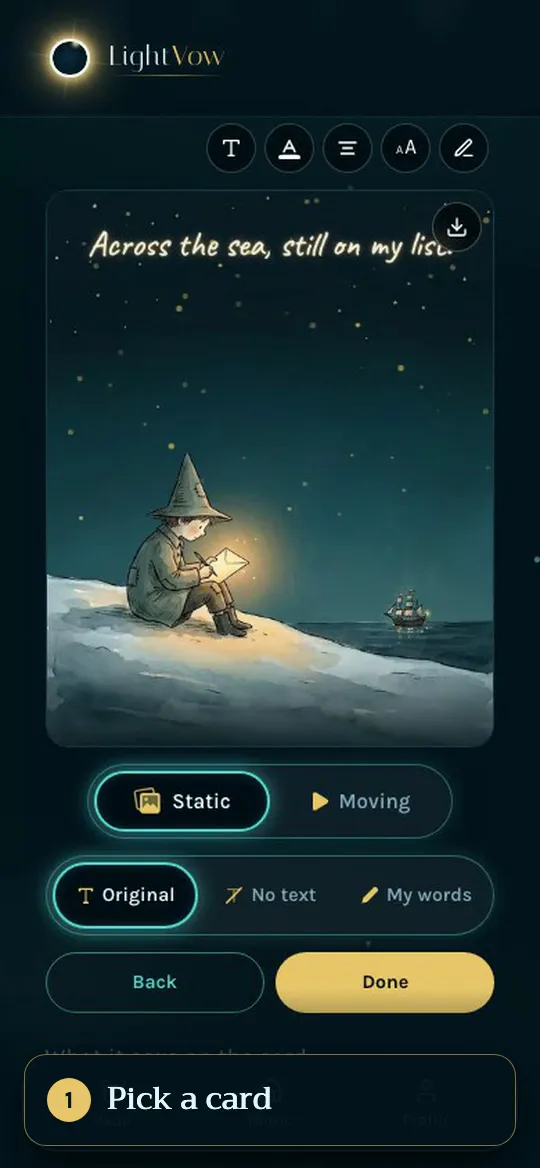
What it looks like
Real screens from LightVow, on a phone.
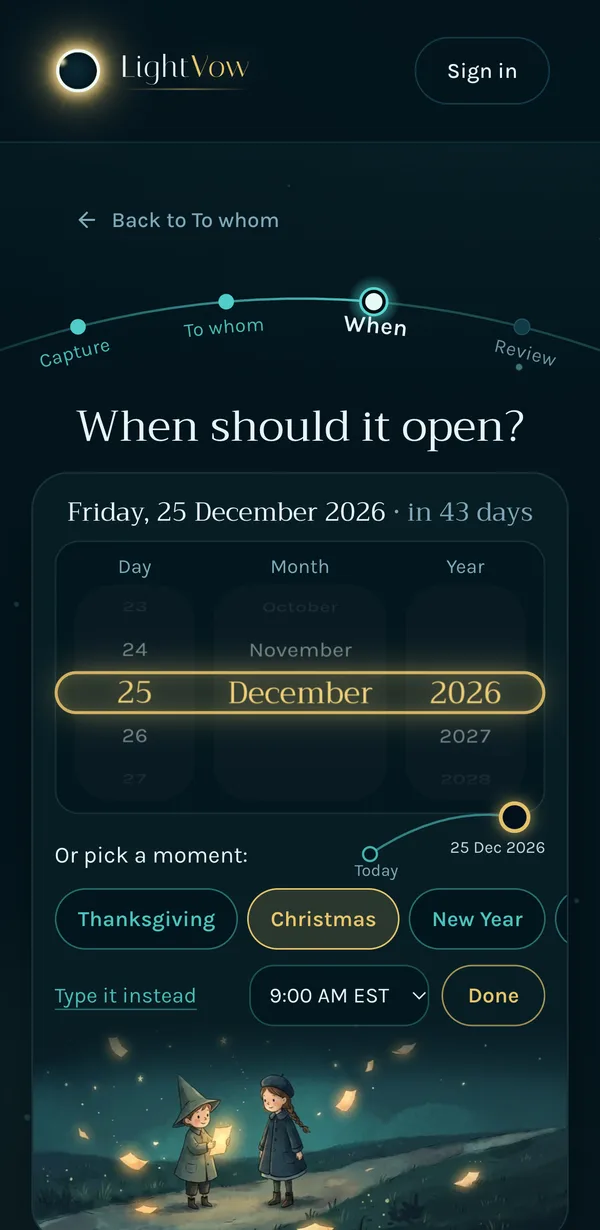
1.You pick the day and the hour 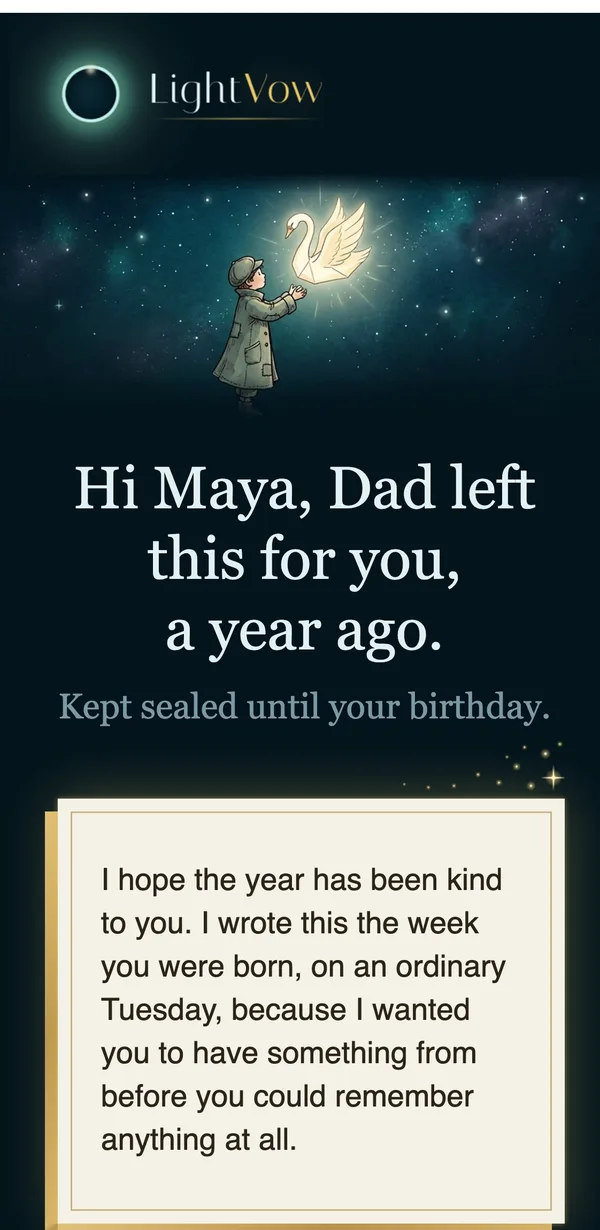
2.On that morning, an email arrives 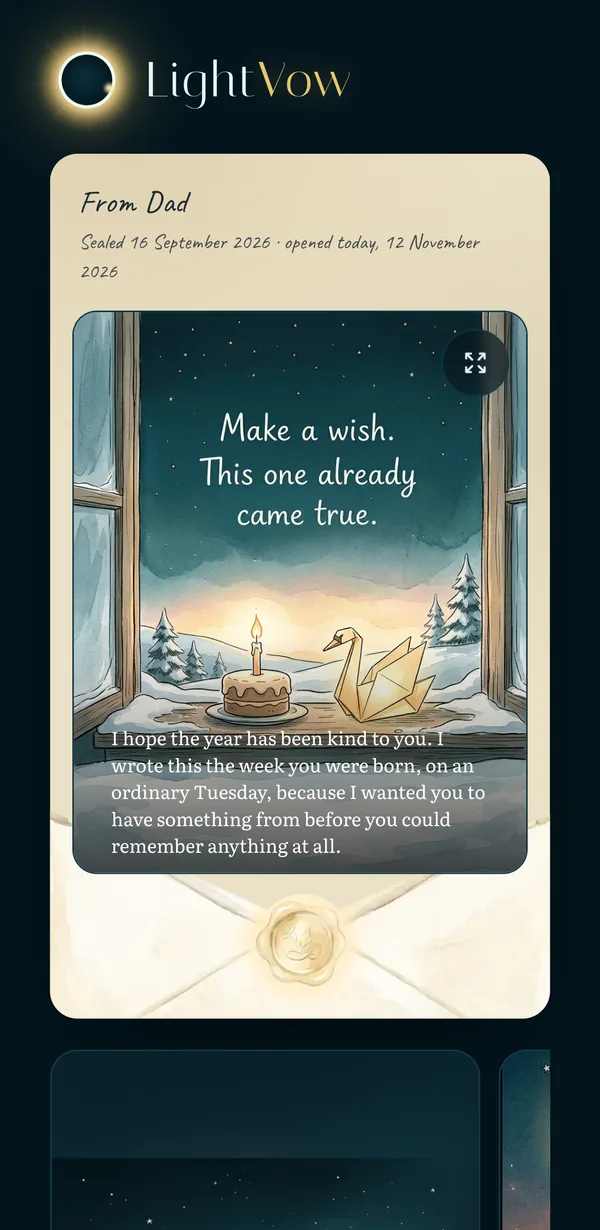
3.It opens in the browser, no app
8 lines to start with
Tap one and it opens on the card as your first line.
- Happy birthday. I wrote this weeks ago, which tells you how much I was looking forward to today.
- I set this to arrive the minute your birthday started, so I'm the first one.
- Another year of you. The world got lucky again.
- I hope someone made you breakfast today. If not, this is your sign to go get pancakes.
- Happy birthday from a few weeks ago. Past me says hi and thinks you're great.
- You don't look a day older than the last time I wrote one of these.
- Today's the one day you're allowed to make everyone do what you want. Use it.
- I'm not there, so this had to arrive on time instead.
If they live in another time zone
The hour you pick is in your time zone, not theirs. For a friend eight hours ahead of you, 9 AM where they are is 1 AM where you are, so set it for 1 AM. Midnight works too, if you want to be the first one.
Every year, without remembering
Choose every year and it comes back on the same date, at the same hour. It's the easiest way to never be the friend who texts at 11 PM with an apology.
Making it yours
- Write it the day you think of it, not the night before.
- Pick an hour they'll be awake in their time, then convert it to yours.
- Add a voice note of you singing badly. It always lands.
Questions people ask
- How do I schedule a birthday message so it arrives on the day?
- Write it when it comes to mind, pick their birthday and the hour, and LightVow sends it right then. The hour is in your time zone (so if they live abroad, think in their morning). They get a private link by email, or by text if they add their number, and it opens in the browser with no app or account. You can set it to come back every year.
- Can I schedule a birthday message for midnight?
- Yes. Any whole hour works, midnight included. The hour is in your time zone, so if they live somewhere else, work out their midnight first.
- Can it repeat every year?
- Yes. Set it to every year and it comes back on the same date and hour.
- Do they need an app to open it?
- No. They get a private link by email, or by text if they add their number, and it opens in any browser with no account.
- Is it free?
- Your first letter is free, and you only sign up when you seal it. If you want more, prices are at lightvow.com/plans.
Write it today. It opens on the day you pick.
Your first letter is free, and you only sign up when you seal it. The person you write to needs no app and no account.